WordPress Basics and Why Choose It for Website Creation
If you’re like me and don’t like working with code, that’s probably more than enough reason to build your websites and those of your clients with WordPress.
WordPress is one of the most popular website creation tools in the world, and you don’t need to code at all. If you learn how to use it, you could do it in a few days.
According to Wikipedia, WordPress has powered more than 43% of websites worldwide and counting. You can find more information here.
To make the whole process easier to understand, we’re going to use a case study to create a website for an air conditioning company in Phoenix, Arizona.
These principles apply perfectly whether you’re working on your brand, for example, creating a website under your name and selling your freelance web design services to local businesses—such as web design, web redesign, e-commerce online store design, and SEO—or starting a web design agency offering the services. Or you can build websites for hair salons, plumbers, lawyers, dentists, etc.—the possibilities are endless.
It’s important to start well with a solid foundation. ¡So, let’s get started!
WordPress Basics
1. Conduct market research and get inspired by your competition
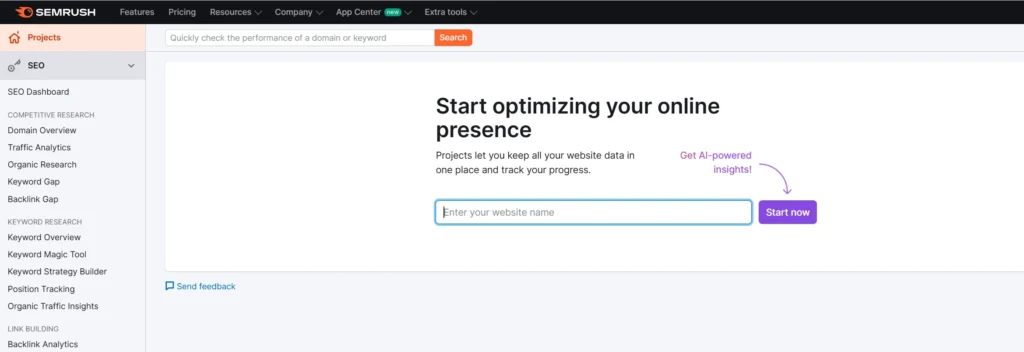
Market research – SEO
- Open a notebook to take notes and ideas for the keywords you’ll use on your website.
- Use tools like: Semrush, Answerthepublic, or even Google Search.
- Write down the keywords in your notebook
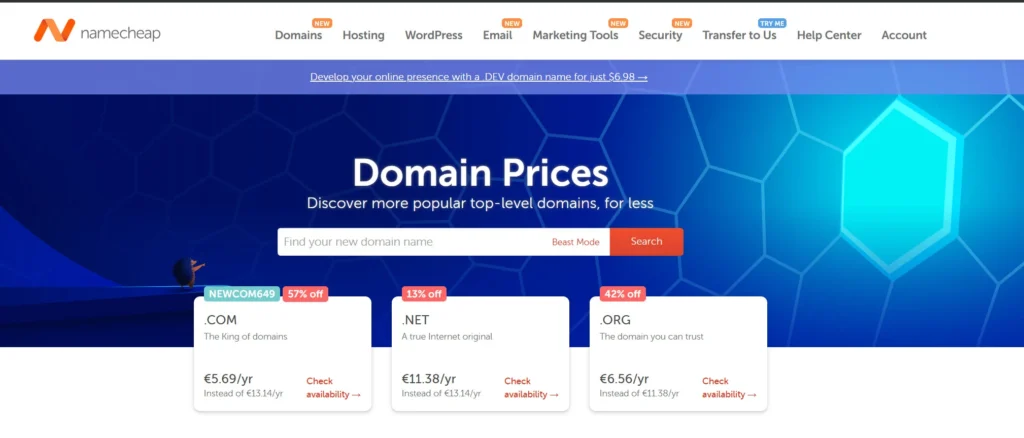
2. Get a domain and hosting plan at a good discount through a reputable global company
Choose a domain and hosting.
As I said before, we’re going to use a case study, and I’m going to show you how to register a domain and hosting with a hosting company that I personally have worked with for years and have had excellent experience with, both in terms of support and quality.
To continue with the process, go to: https://wibem.com/hosting/
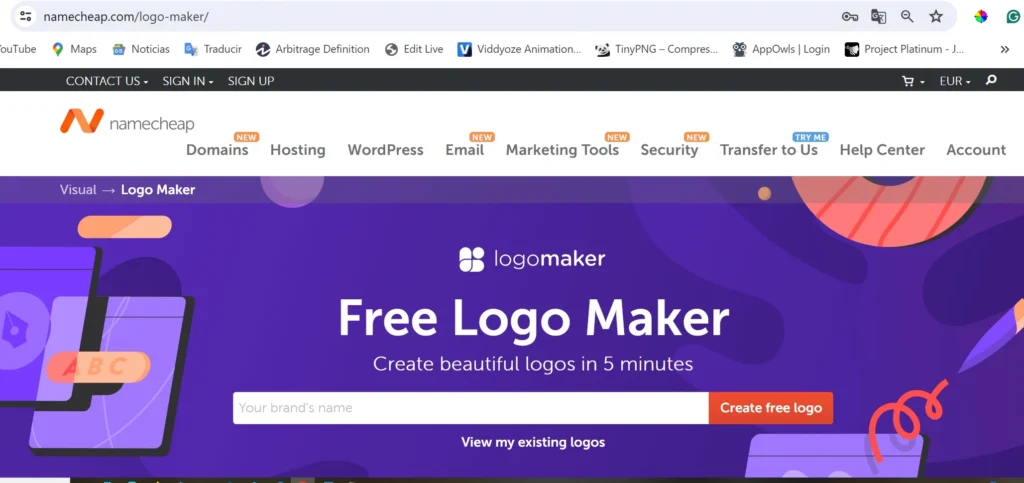
3. Create a free logo
To create a free and hassle-free logo, go to: https://niculucanu.com/freelogo/
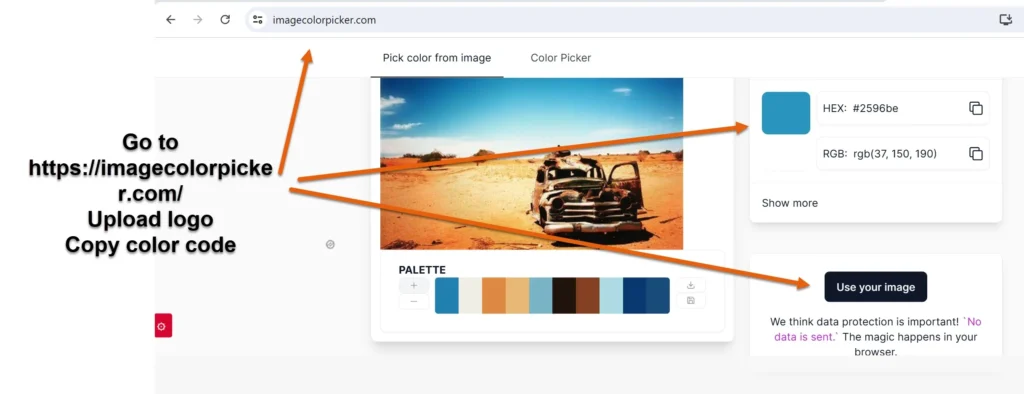
4. Choose the colors for your website
Since you created the logo, it’s essential to follow the same idea as the logo and choose some basic colors for your website. This way, your website will give a professional image.
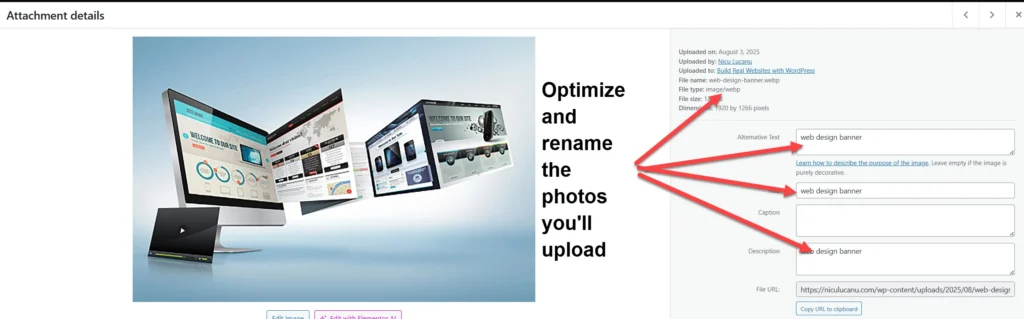
5. Optimize and rename the photos you'll upload
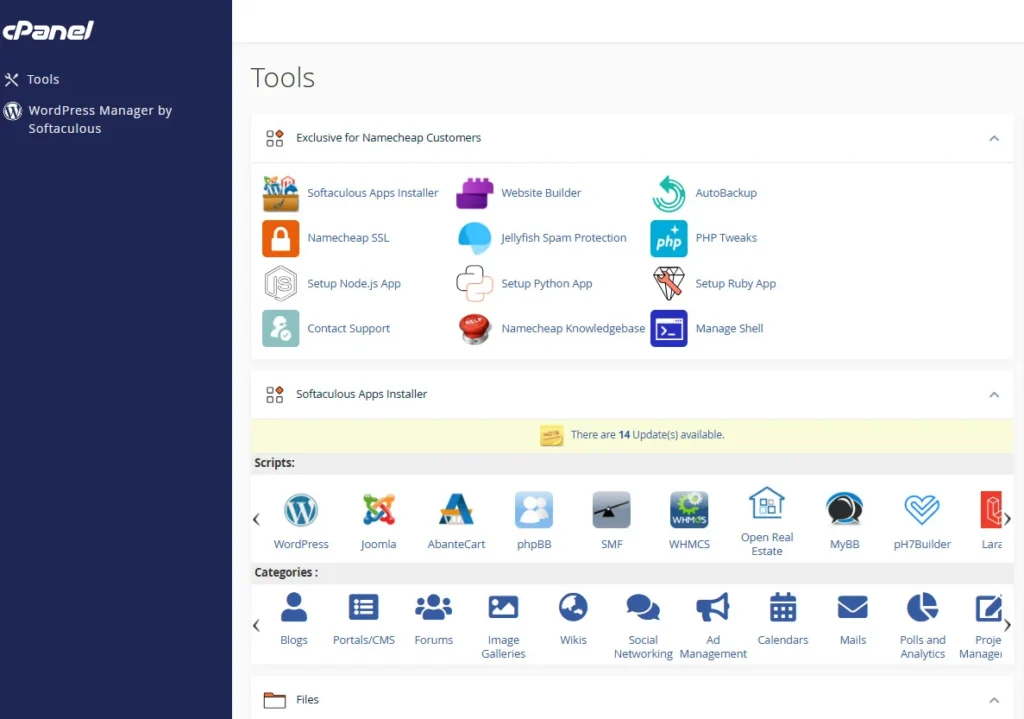
6. Install WordPress with Softaculous, which you can find in your hosting provider's Cpanel
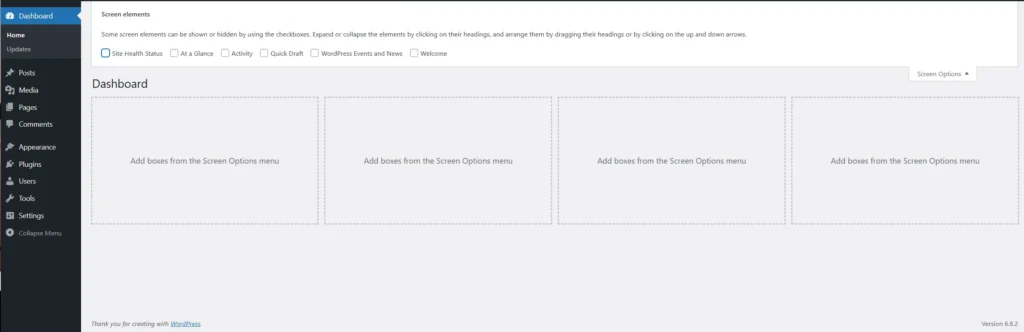
7. Keep a clean workspace, delete themes, plugins, and the post that comes with the installation
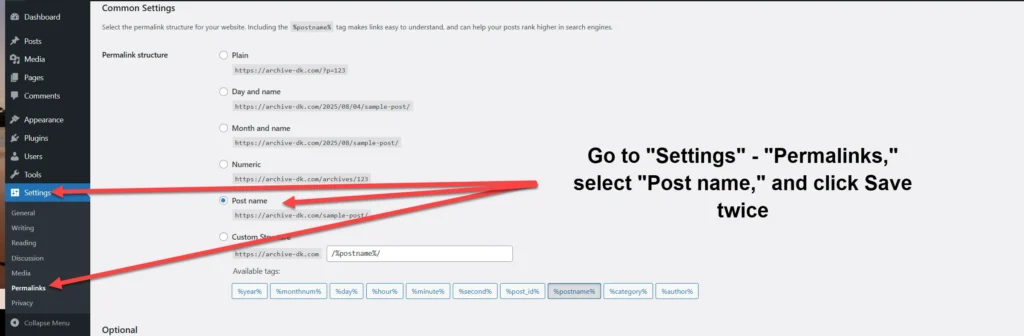
8. Go to "Settings" - "Permalinks," select "Post name," and click Save twice
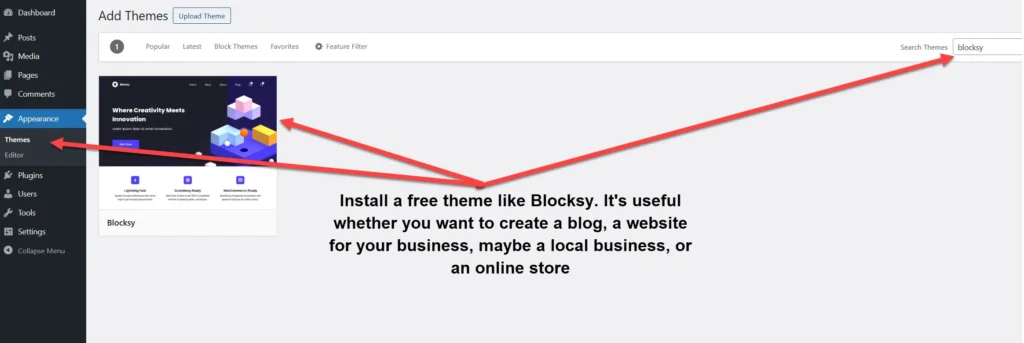
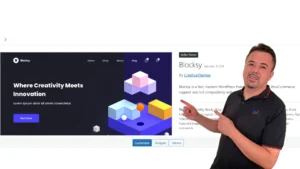
9. Install a free theme like Blocksy.
It's useful whether you want to create a blog, a website for your business, maybe a local business, or an online store
In our case, we’re going to use Blocksy free theme, that offers features comparable to those of paid themes. It can be helpful whether you’re creating a blog, a website, or an e-commerce online store.
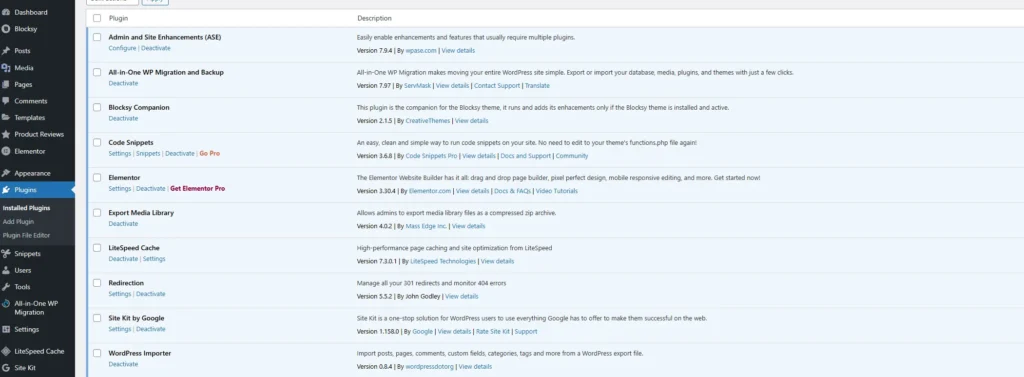
10. Add plugins to your website
11. Create quality content to help your visitors find a solution to a problem
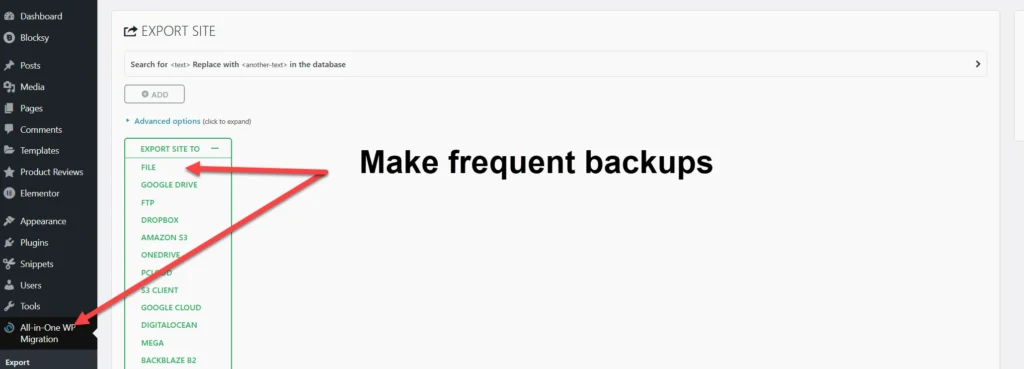
12. Make frequent backups
It is essential to make frequent backups, at least every two weeks or at most every month, in case there is a significant update later and we risk losing the work done, or you can use a website created elsewhere as a template.